Arduino MQTT 사용자 ID와 password로 mqtt 브로커 연결
MQTT 사용자 subscriber 등록 후 메시지 송 수신할 때 사용자 id와 password로 인증하는 예제 코드다. 물론 사용하기 전에 다음과 같은 코드는 알고 있다고 가정한다.
mqttServer = "******";

mqttPort = 1883;

mqttUser = "******";

mqttPassword = "***";
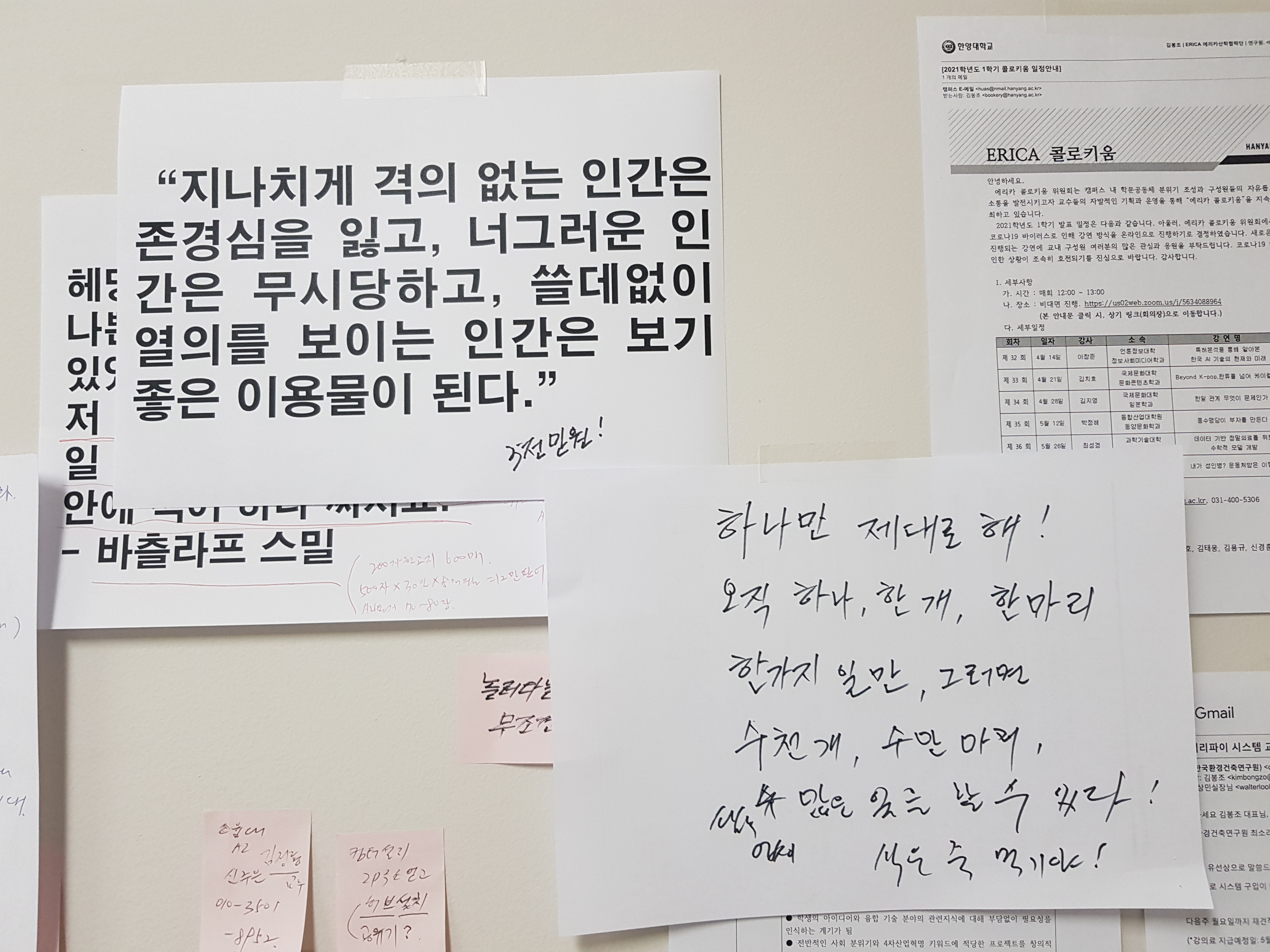
아래는 pubsubclient 라이브러리를 사용하는 예제 코드다. 마지막 남은 일은 mqtt 서버와 통신하여 정해진 용량만큼 액체를 배출하는 일이다. 어떤 일이든 끝날 때까지는 끝난 게 아니라서 집중한다. 오직 하나만 제대로 한다. 정확히 한 개, 하나, 한 마리만, 한 가지 일만 제대로 한다. 그러면 수 천 개, 수 만 마리, 셀 수 없이 많은 일도 처리할 수 있다. 하나만 제대로 하면 나머지는 식은 죽 먹기다. 하나를 진정으로 못 해봤기 때문에 하지 못하는 것이다.
/*
 Basic MQTT example with Authentication
  - connects to an MQTT server, providing username
    and password
  - publishes "hello world" to the topic "outTopic"
  - subscribes to the topic "inTopic"
*/

#include <SPI.h>
#include <Ethernet.h>
#include <PubSubClient.h>

// Update these with values suitable for your network.
byte mac[]    = {  0xDE, 0xED, 0xBA, 0xFE, 0xFE, 0xED };
IPAddress ip(172, 16, 0, 100);
IPAddress server(172, 16, 0, 2);

void callback(char* topic, byte* payload, unsigned int length) {
  // handle message arrived
}

EthernetClient ethClient;
PubSubClient client(server, 1883, callback, ethClient);

void setup()
{
  Ethernet.begin(mac, ip);
  // Note - the default maximum packet size is 128 bytes. If the
  // combined length of clientId, username and password exceed this use the
  // following to increase the buffer size:
  // client.setBufferSize(255);

  if (client.connect("arduinoClient", "testuser", "testpass")) {
    client.publish("outTopic","hello world");
    client.subscribe("inTopic");
  }
}

void loop()
{
  client.loop();
}
아래의 친절한 코드 역시 참고한다.
//ItKindaWorks - Creative Commons 2016
//github.com/ItKindaWorks
//
//Requires PubSubClient found here: https://github.com/knolleary/pubsubclient
//
//ESP8266 Simple MQTT light controller

#include <PubSubClient.h>
#include <ESP8266WiFi.h>

//EDIT THESE LINES TO MATCH YOUR SETUP
#define MQTT_SERVER "BROKER IP"
const char* ssid = "SSID";
const char* password = "PASSQWORD";
const char* mqtt_username = "MQTT ID ";
const char* mqtt_password = "MQTTPASS";

//LED on ESP8266 GPIO5
const int lightPin = 5;

//topic to subscribe to for the light
char* lightTopic = "/house/light1";

//topic to publish to confirm that the light has been turned on for the python script to log
char* lightConfirmTopic = "/house/light1confirm";

// Callback function header
void callback(char* topic, byte* payload, unsigned int length);

WiFiClient wifiClient;
PubSubClient client(MQTT_SERVER, 1883, callback, wifiClient);

void setup() {
//initialize the light as an output and set to LOW (off)
pinMode(lightPin, OUTPUT);
digitalWrite(lightPin, LOW);

//start the serial line for debugging
Serial.begin(115200);
delay(100);


//start wifi subsystem
WiFi.begin(ssid, password);

//attempt to connect to the WIFI network and then connect to the MQTT server
reconnect();

//wait a bit before starting the main loop
	delay(2000);
}

void loop(){

//reconnect if connection is lost
if (!client.connected() && WiFi.status() == 3)
{reconnect();}

//maintain MQTT connection
client.loop();

//MUST delay to allow ESP8266 WIFI functions to run
delay(10);
}

//MQTT callback
void callback(char* topic, byte* payload, unsigned int length) {

//convert topic to string to make it easier to work with
String topicStr = topic;

//Print out some debugging info
Serial.println("Callback update.");
Serial.print("Topic: ");
Serial.println(topicStr);

//turn the light on if the payload is '1' and publish to the confirmation topic so the python script can log it
if(payload[0] == '1'){
	digitalWrite(lightPin, HIGH);
	client.publish(lightConfirmTopic, "On");
}

//turn the light off if the payload is '0' and publish to the confirmation topic so the python script can log it
else if (payload[0] == '0'){
	digitalWrite(lightPin, LOW);
	client.publish(lightConfirmTopic, "Off");
}
}

//networking functions

void reconnect() {

//attempt to connect to the wifi if connection is lost
if(WiFi.status() != WL_CONNECTED){
	//debug printing
	Serial.print("Connecting to ");
	Serial.println(ssid);

	//loop while we wait for connection
	while (WiFi.status() != WL_CONNECTED) {
		delay(500);
		Serial.print(".");
	}

	//print out some more debug once connected
	Serial.println("");
	Serial.println("WiFi connected");
	Serial.println("IP address: ");
	Serial.println(WiFi.localIP());
}

//make sure we are connected to WIFI before attemping to reconnect to MQTT
if(WiFi.status() == WL_CONNECTED){
// Loop until we're reconnected to the MQTT server
	while (!client.connected()) {
		Serial.print("Attempting MQTT connection...");

		// Generate client name based on MAC address and last 8 bits of microsecond counter
		String clientName;
		clientName += "esp8266-";
		uint8_t mac[6];
		WiFi.macAddress(mac);
		clientName += macToStr(mac);

		//if connected, subscribe to the topic(s) we want to be notified about
		if (client.connect((char*) clientName.c_str(), mqtt_username, mqtt_password)) {
			Serial.print("\tMTQQ Connected");
			client.subscribe(lightTopic);
		}

		//otherwise print failed for debugging
		else{Serial.println("\tFailed."); abort();}
	}
}
}

//generate unique name from MAC addr
String macToStr(const uint8_t* mac){

String result;

for (int i = 0; i < 6; ++i) {
result += String(mac[i], 16);

if (i < 5){
  result += ':';
}
}

return result;
}
'개발자 > Arduino' 카테고리의 다른 글
| 아두이노를 활용한 스마트 기기 제어 시스템 개발 교육과정 (0) | 2021.09.08 |
|---|---|
| 아두이노 INA219 DC 전류 센서 사용하기 (0) | 2021.07.25 |
| nano 33 iot Serial Port Outputs make unstable WiFi Connection (0) | 2021.05.26 |
| Nano 33 IoT WiFi 연결 불안정을 해결하는 코드 (0) | 2021.05.20 |
| 미세먼지 측정기 센서와 커넥터 연결 - Harness (0) | 2021.05.13 |
| How to prevent SSD1306 allocation failed error (0) | 2021.04.30 |
| 미세먼지 측정기 오늘 잘 돌아가는 코드 (0) | 2021.04.30 |
| Nano 33 IoT 보드에서 5V 출력 사용하는 방법 (4) | 2021.04.23 |
취업, 창업의 막막함, 외주 관리, 제품 부재!
당신의 고민은 무엇입니까? 현실과 동떨어진 교육, 실패만 반복하는 외주 계약,
아이디어는 있지만 구현할 기술이 없는 막막함.
우리는 알고 있습니다. 문제의 원인은 '명확한 학습, 실전 경험과 신뢰할 수 있는 기술력의 부재'에서 시작됩니다.
이제 고민을 멈추고, 캐어랩을 만나세요!
코딩(펌웨어), 전자부품과 디지털 회로설계, PCB 설계 제작, 고객(시장/수출) 발굴과 마케팅 전략으로 당신을 지원합니다.
제품 설계의 고수는 성공이 만든 게 아니라 실패가 만듭니다. 아이디어를 양산 가능한 제품으로!
귀사의 제품을 만드세요. 교육과 개발 실적으로 신뢰할 수 있는 파트너를 확보하세요.
캐어랩


